
29Apps LLC – Do good for others
Maker of free iOS & Android apps, minimalist by design
29Apps is a computer software development company which develops free apps for mobile environments. Our apps are minimalist by design yet provide utility and enjoyment, with no ads, no in-app purchases, no bells and whistles, and no distracting graphics. They are usually single purpose apps and many have only a single screen. A complete list with descriptions, app store links, and screenshots is below.
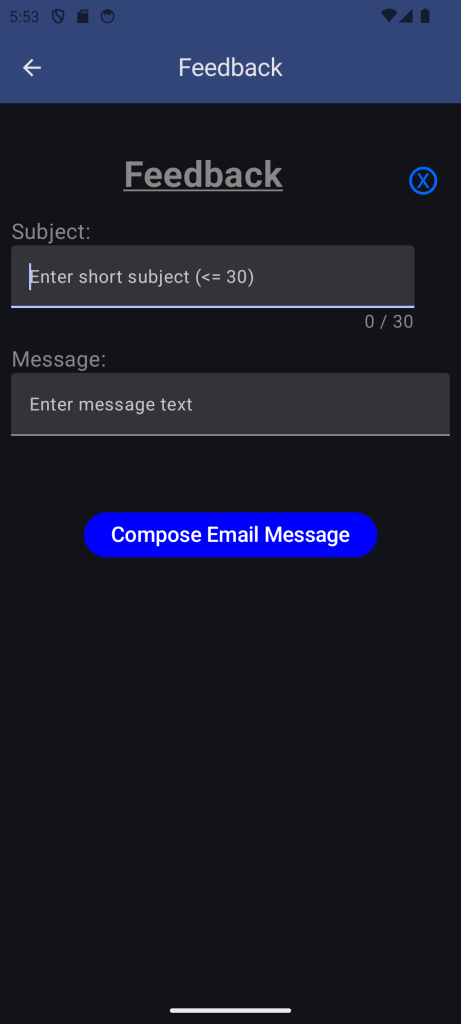
To get help with a specific app you can use the Feedback button built into every app. For general support please use the Support link at the top of this page. Contact us directly with questions or new app suggestions via email using the Contact link also at the top of this page.
Available now for iOS and Android:
SaveSpend3

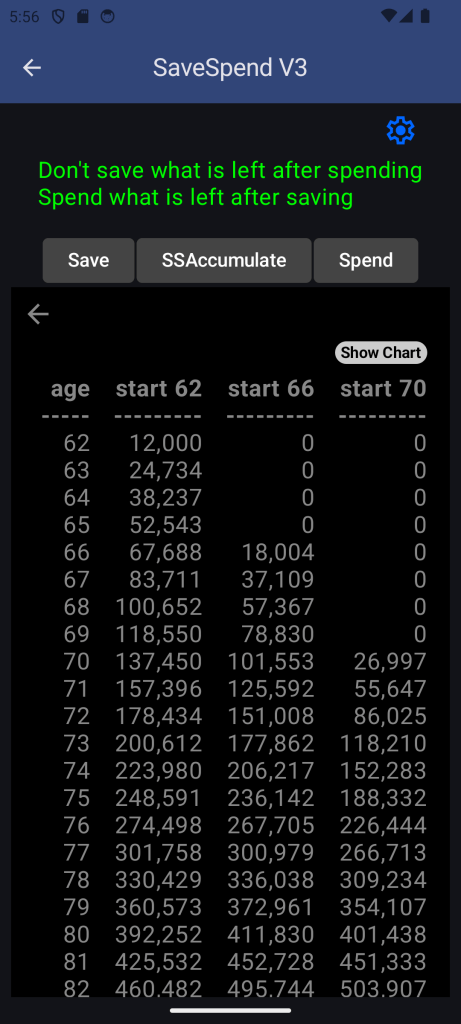
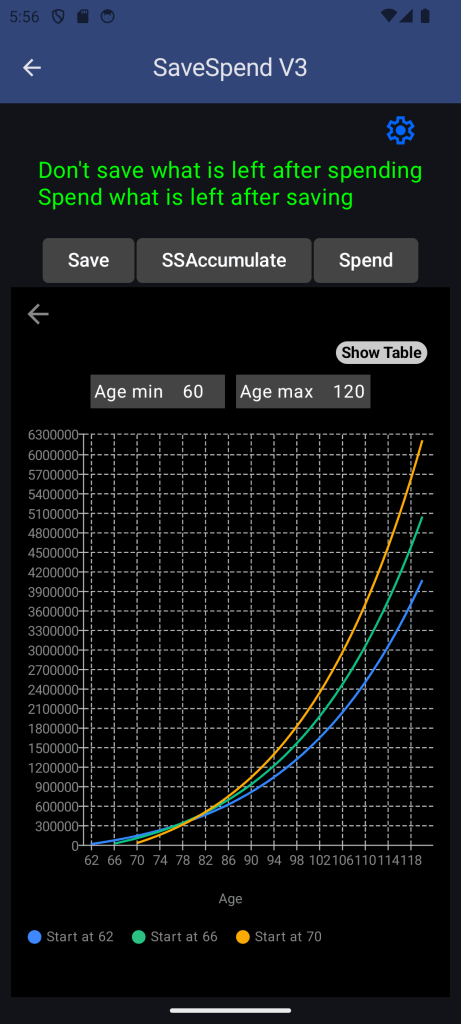
Helpful to plan and budget your money, SaveSpend3 calculates Savings, or Social Security Accumulation vs filing age, or Spending over time. Interest, earnings, inflation, and taxes are included in the calculations as appropriate. Results can be viewed in a table or as a chart.
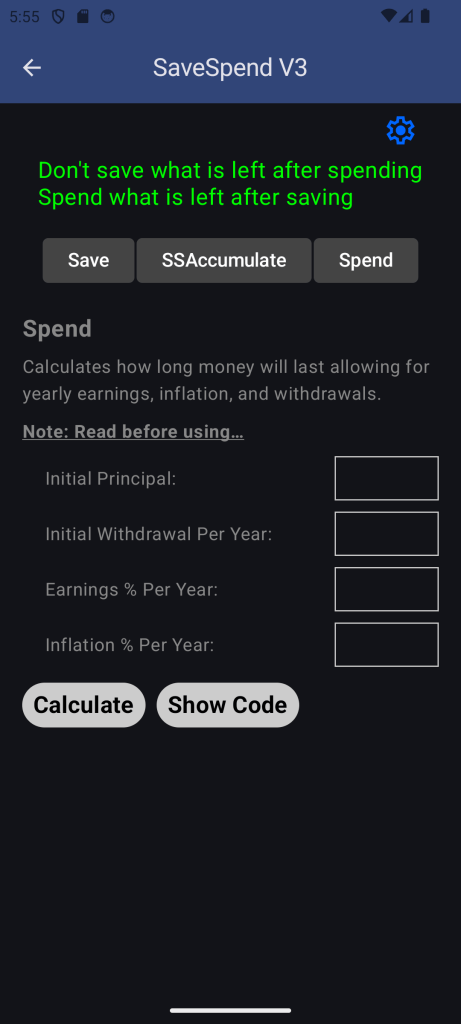
Separate tabs are provided to calculate Save, SSAccumulate, and Spend.
Save can easily calculate the growth effects of compound interest rates and yearly taxes and on your regular monthly savings. Compounding frequencies of daily, monthly, quarterly, semiannually, or annually can be selected in the Settings.
SSAccumulate similarly calculates compound growth but also takes into account inflation COLA adjustments to the SS amounts. The default 3 filing ages of 62, 66, and 70 can be adjusted by the user in the Settings.
Spend will calculate the remaining balance year after year given an initial principal amount and initial withdrawal amount per year. You can budget how long your money will last given its earnings rate per year and the inflation rate per year.
This is minimalist by design with no ads, no in-app purchases, no bells and whistles, and no fancy moving graphics to distract you, just numbers.
Note: Financial entertainment value only, fun playing with numbers. Savings uses a selectable compounding interval, while SSAccum and Spending use simple yearly compounding. All assume constant interest/earnings/inflation/taxes, and should NOT be used for accurate predictions.
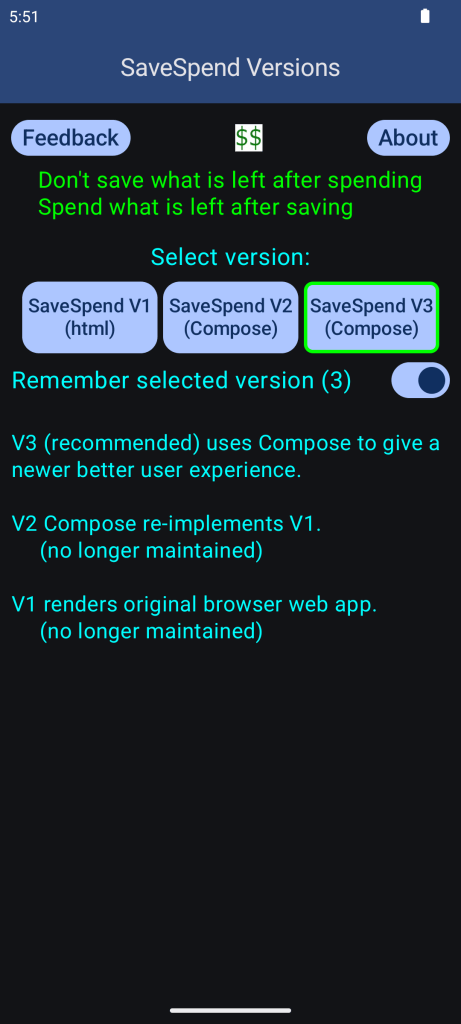
SaveSpend3 screenshots



Random Saying

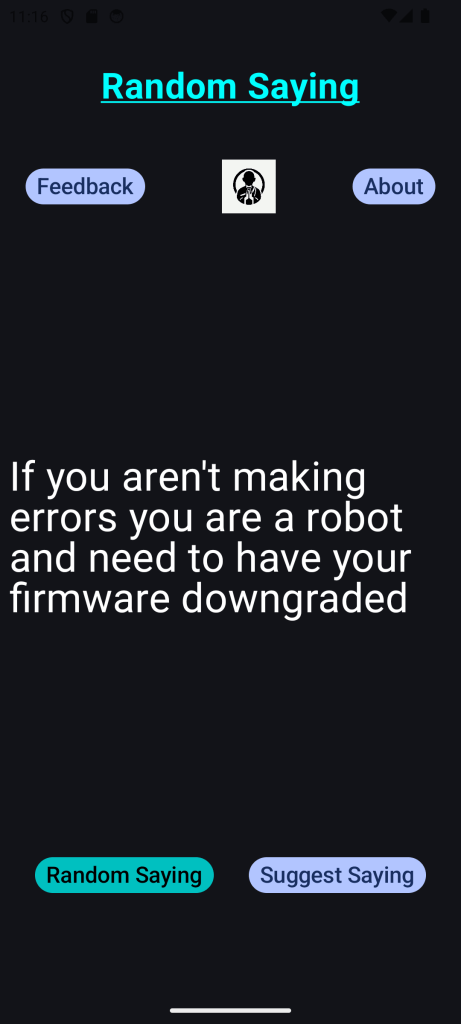
A random item from an internal curated list of sayings, proverbs, and quotes, some with a hint of humor, to which you can contribute.
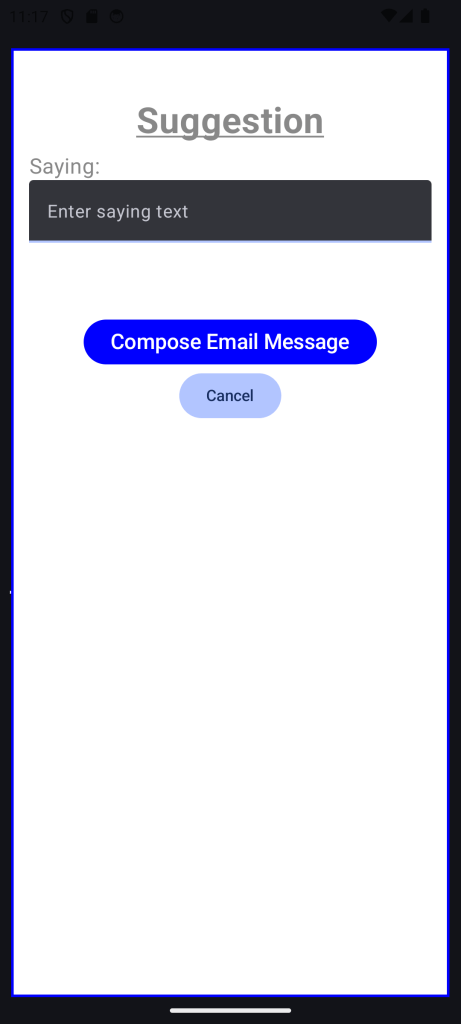
A random saying, proverb, or quote is displayed at startup, then a button is provided if you wish to display another. A button is also provided for you to send your favorite saying, proverb, or quote to 29Apps for possible inclusion in a future release.
This is minimalist by design with no ads, no in-app purchases, no bells and whistles, and no fancy moving graphics to distract you, just fun.
Note: Entertainment value only, fun reading wise, witty, and/or silly sayings with no hidden meaning expressed nor implied.
Random Saying screenshots
TapMe Quickly

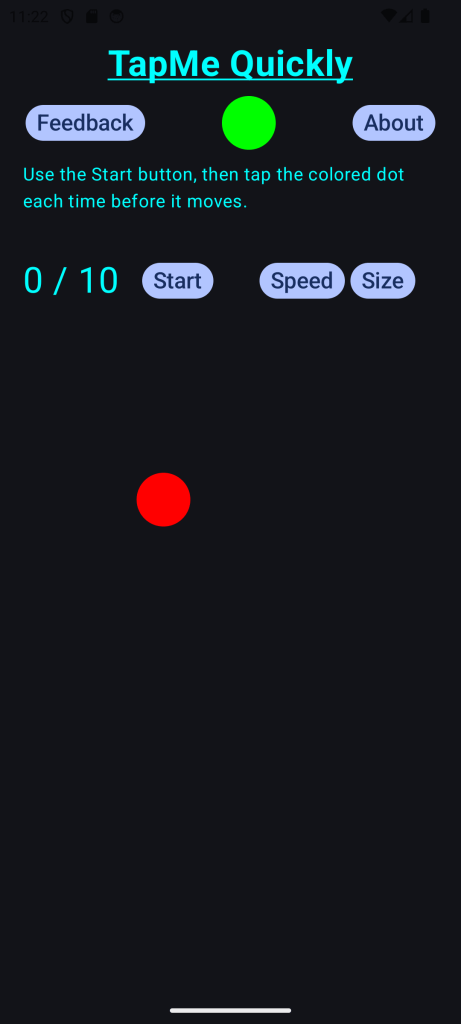
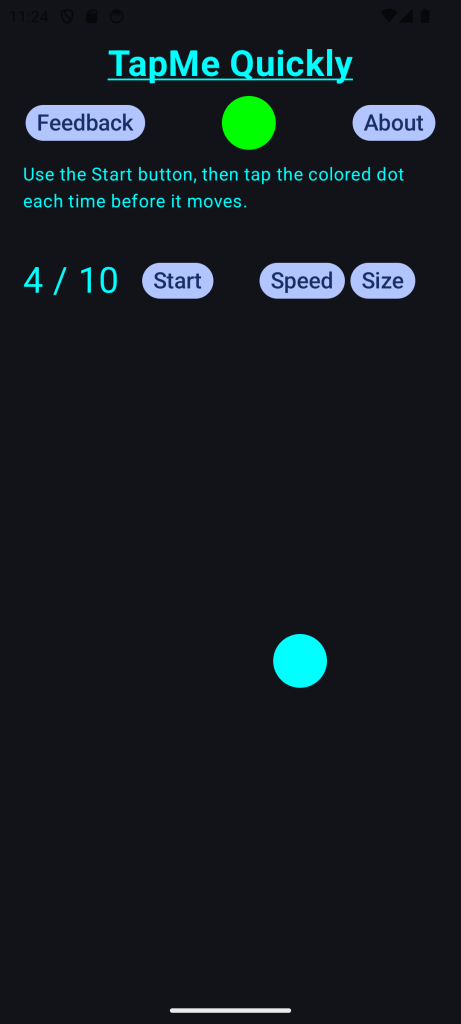
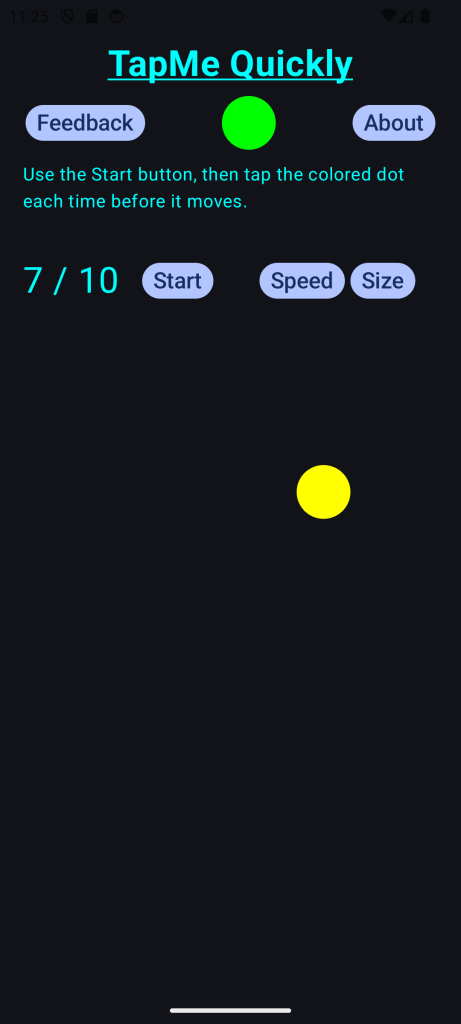
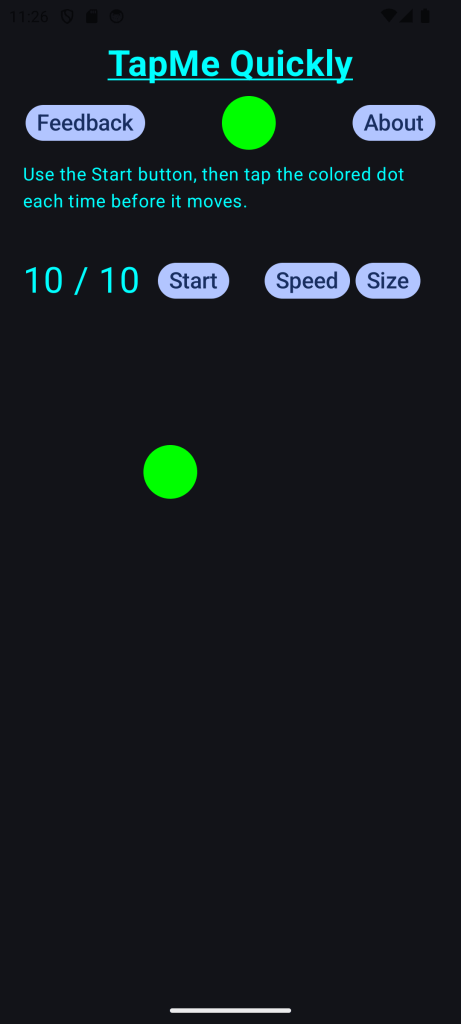
Test your eye-hand coordination by tapping the colored circle quickly before it moves. A successful tap changes the circle’s color and plays a tap sound. Time between moves and size of the circle can be adjusted by the user in the Settings. Start with a large and slow circle to work on coordination. As your speed improves you can progress the size and speed towards small and fast.
The score count is updated and displayed continuously. You can stop the game at any point, or it will stop automatically after 10.
This is minimalist by design with no ads, no in-app purchases, no bells and whistles, and no fancy moving graphics to distract you, just fun.
Note: Entertainment value only, a fun little game to test and challenge your eye-hand coordination.
TapMe Quickly screenshots
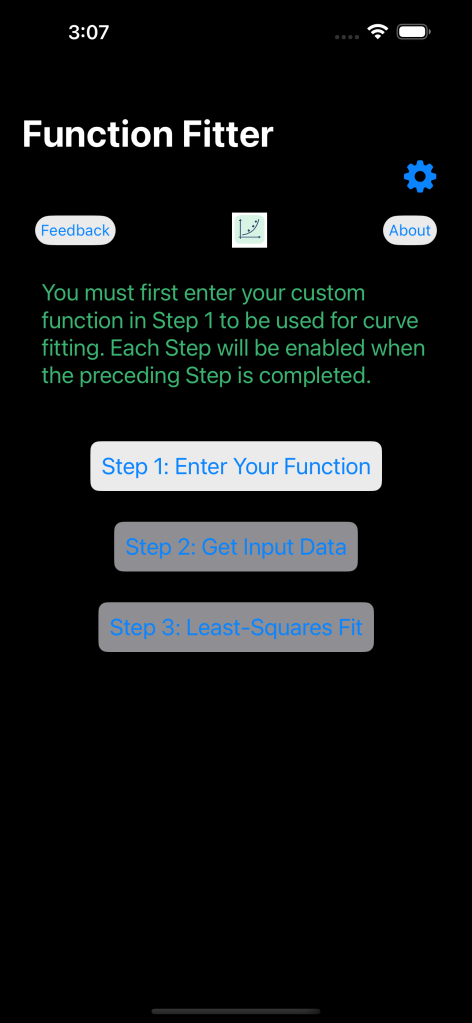
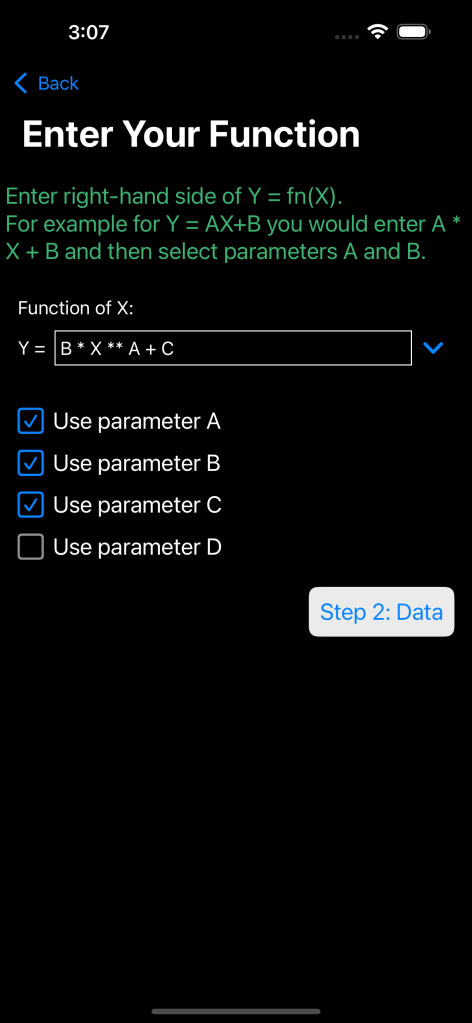
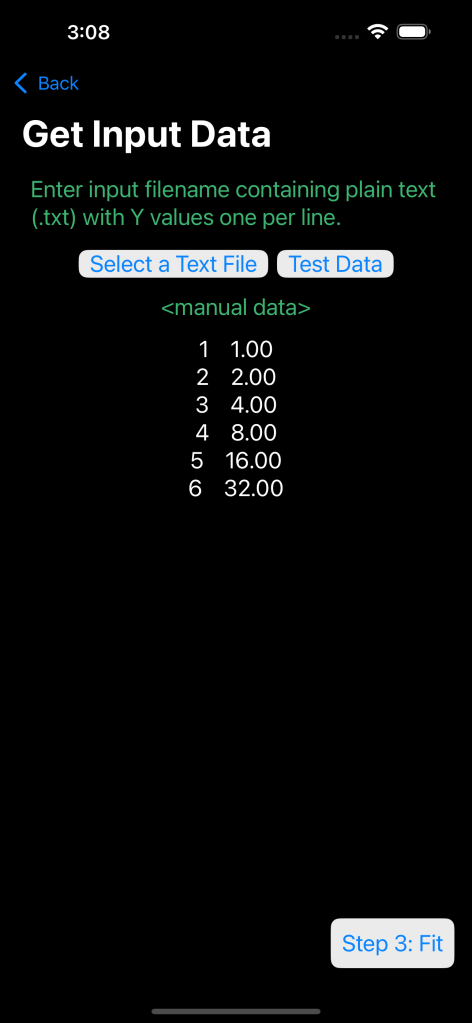
Function Fitter
Function curve fitting using custom function that you enter. Reads data values from file and tries to fit your function to the data by adjusting 1 to 4 parameters for a least-squares best fit. For enjoyment only, NOT for serious data needs.
Note: Curve fitting functions have numerous local minima. To obtain a good fit use good parameter initial values to start function results near the global minimum.
Function Fitter screenshots

Math Quickly
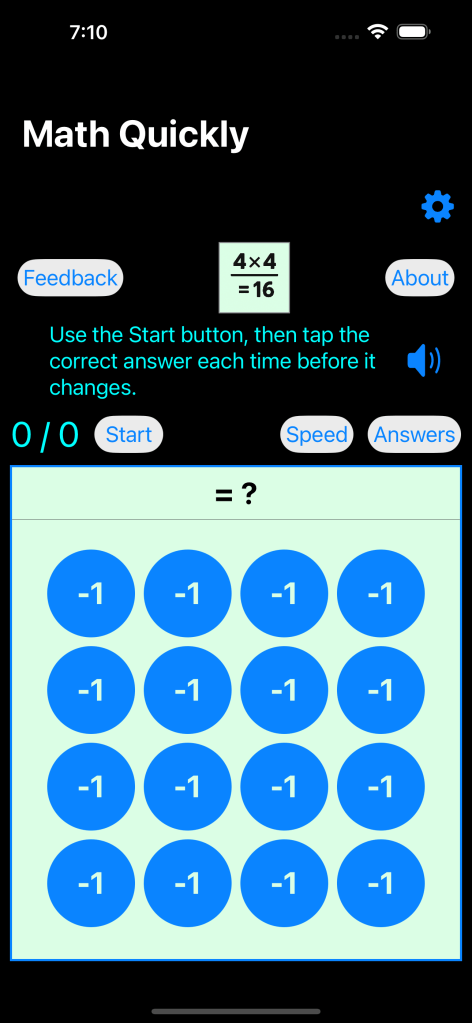
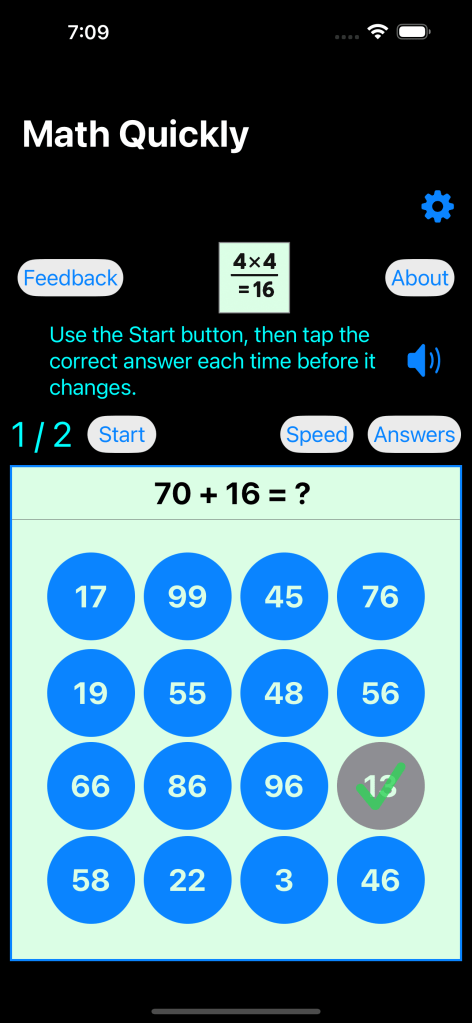
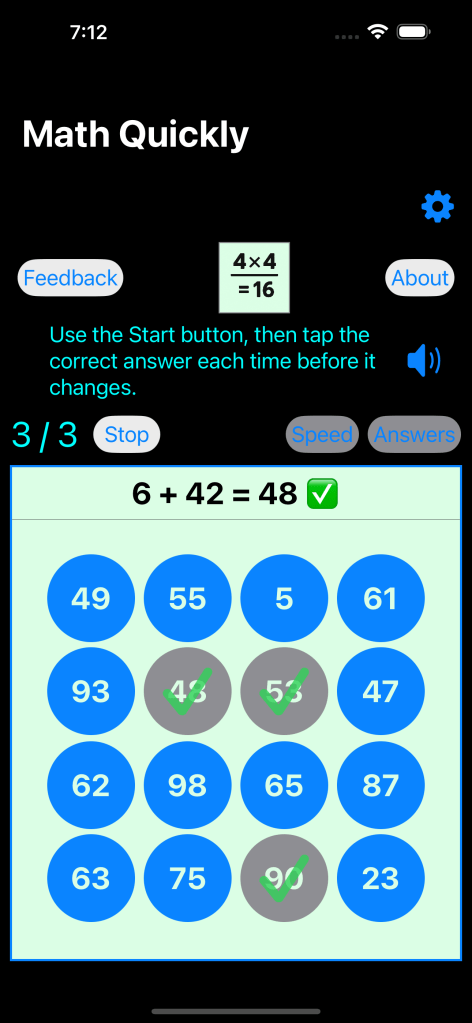
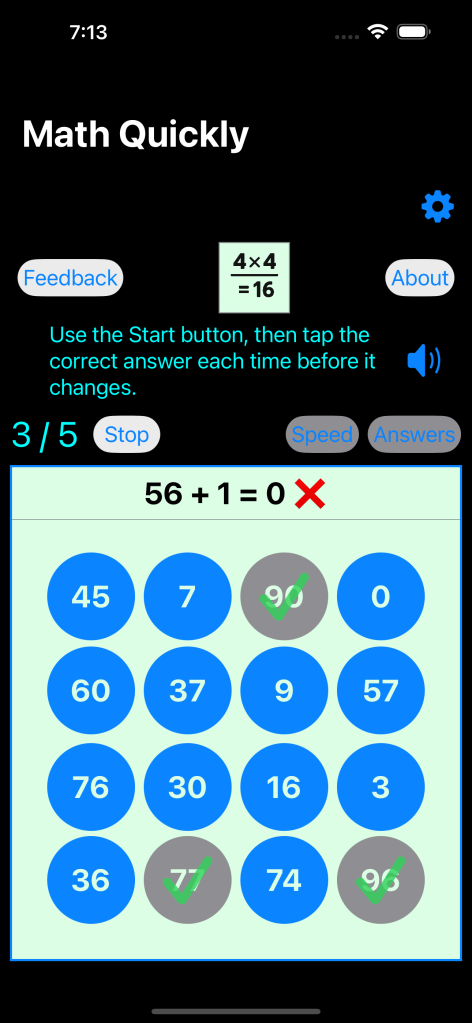
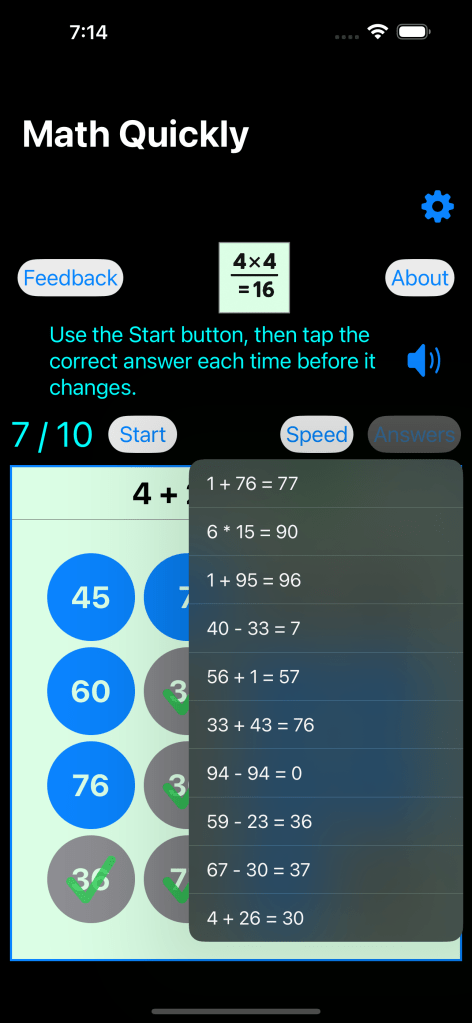
Simple math problems where you must tap the correct answer before time expires 10 times in a row.
Note: Entertainment value only, fun challenging brain-hand coordination.
Math Quickly screenshots

Sunny Brooks

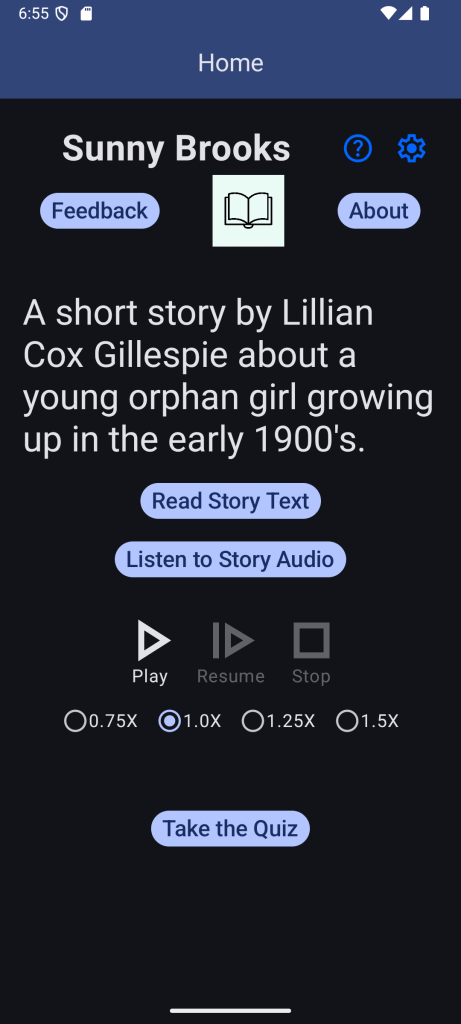
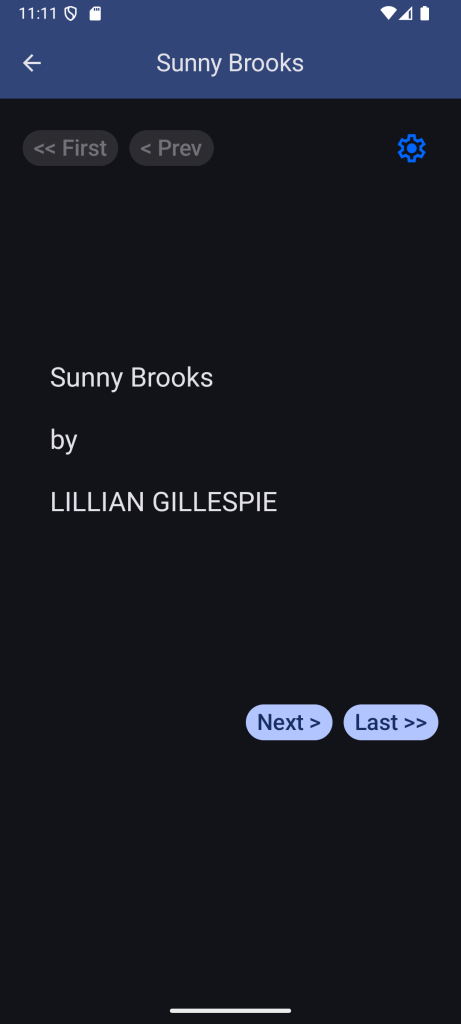
A short story by Lillian Cox Gillespie about a young orphan girl growing up in the early 1900’s. You can either read text or listen to audio reader.
This is a minimalist design with no ads, no bells and whistles, and no fancy graphics to distract you, just fun reading or listening to a nice story.
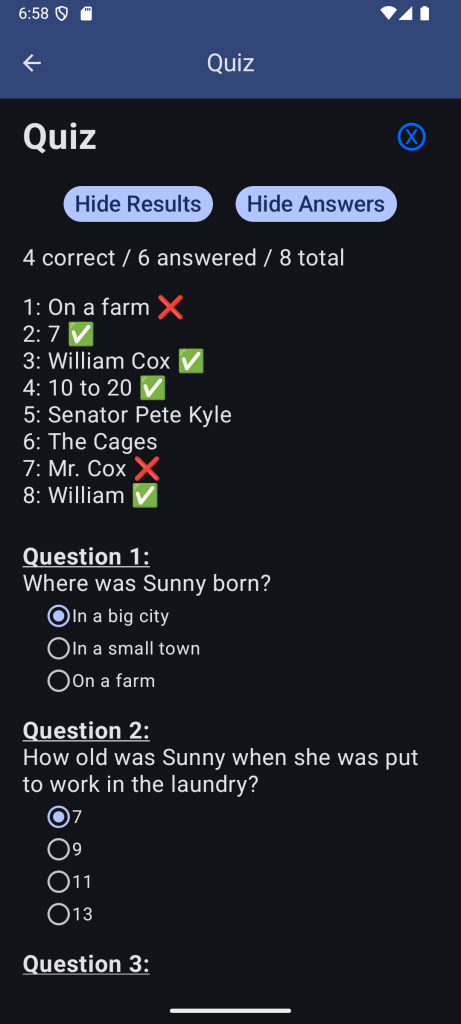
Sunny Brooks screenshots

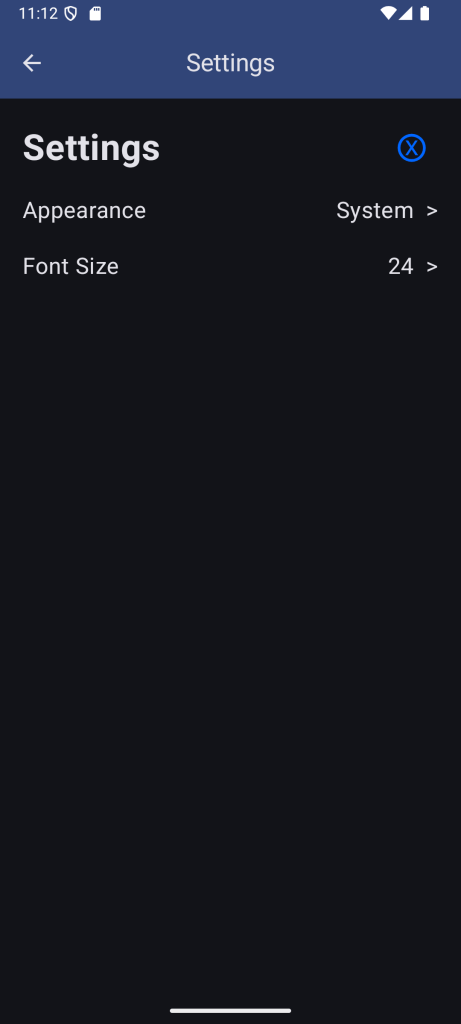
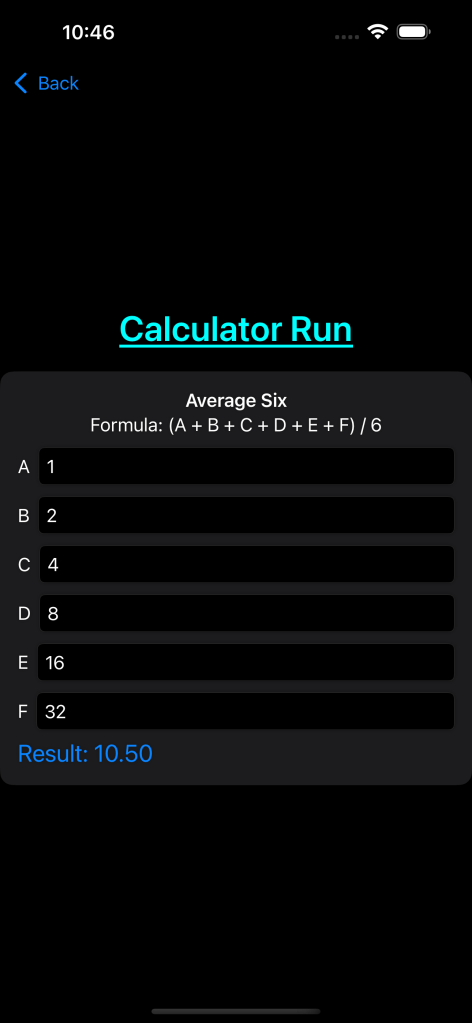
MakeCalc

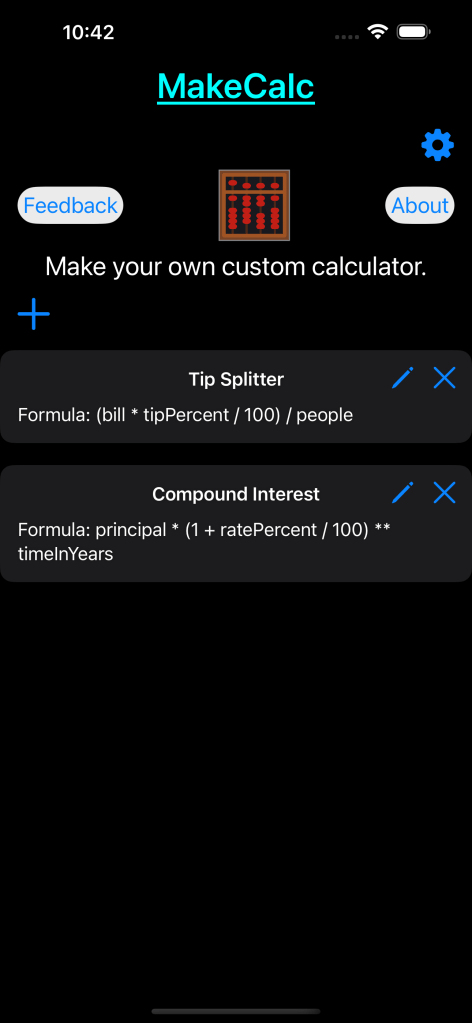
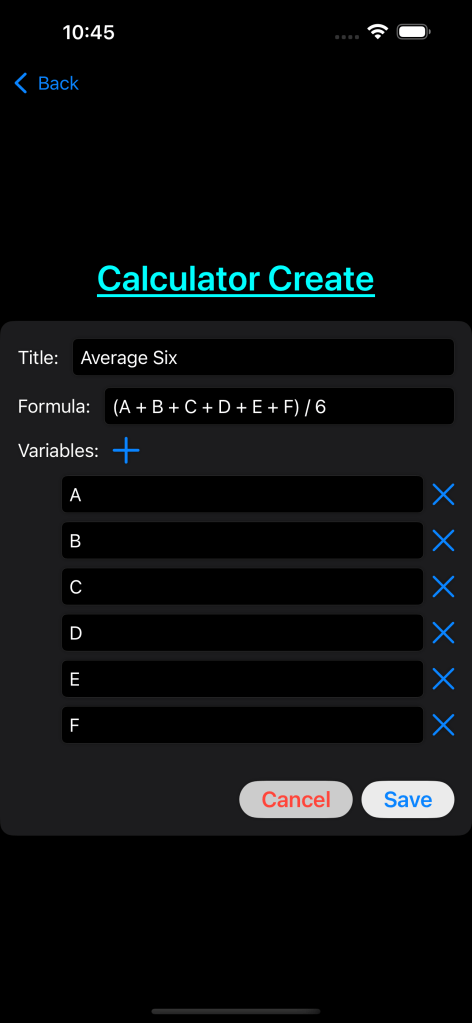
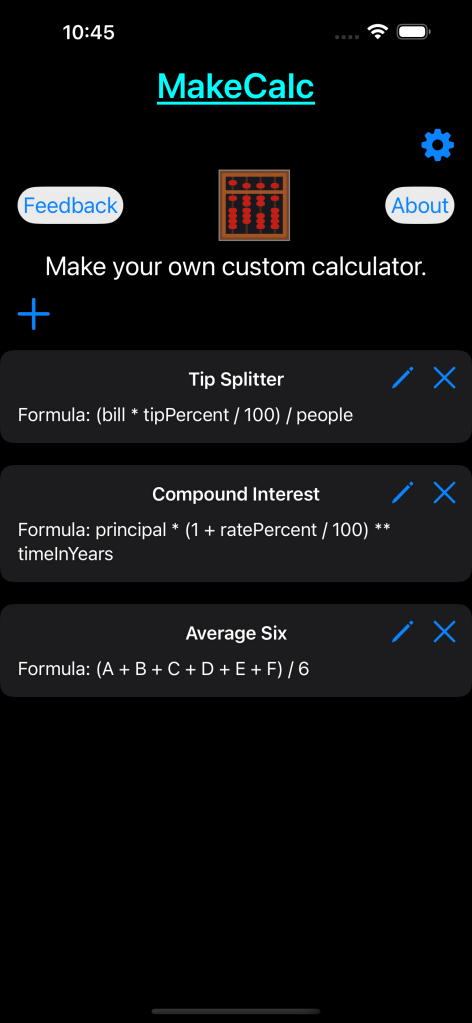
Make your own custom calculator. Enter your own formula, for example calculating tip splitter, compound interest, dosage calculator, ROI estimator, or any formula such as y = ax + b. Your calculator can then be named and saved for future use.
MakeCalc screenshots
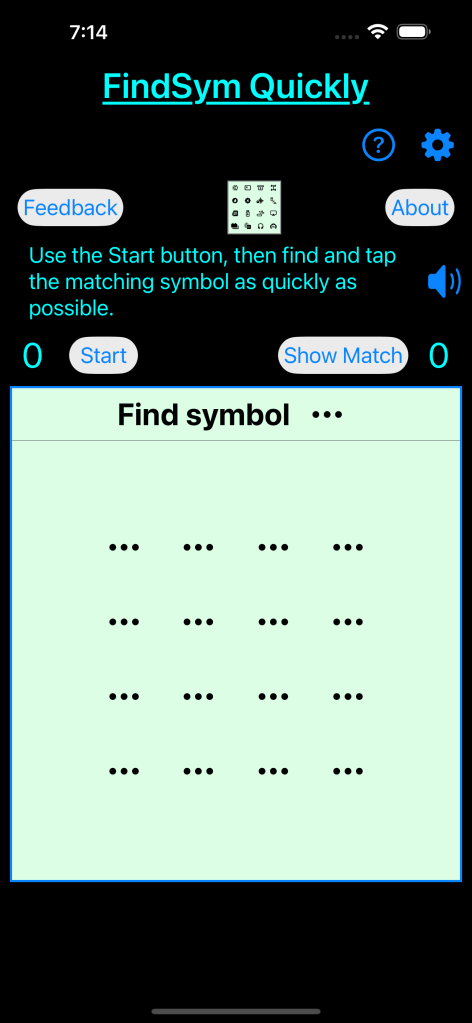
FindSym Quickly

A random selection of 16 symbols is presented, one of those is randomly selected to be found. See how quickly you can find the matching symbol, then a whole new set is presented.
How quickly can you find a symbol in an array of symbols?
How many times can you do it in a minute?
FindSym Quickly screenshots


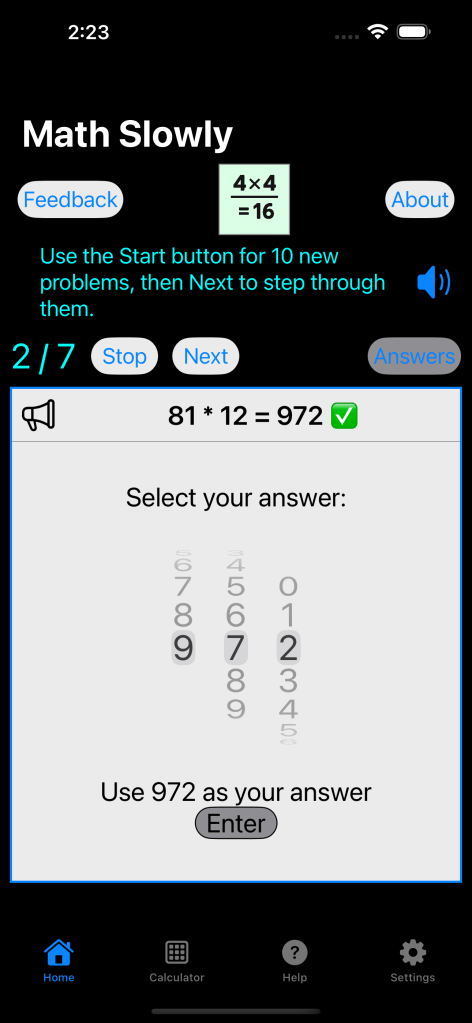
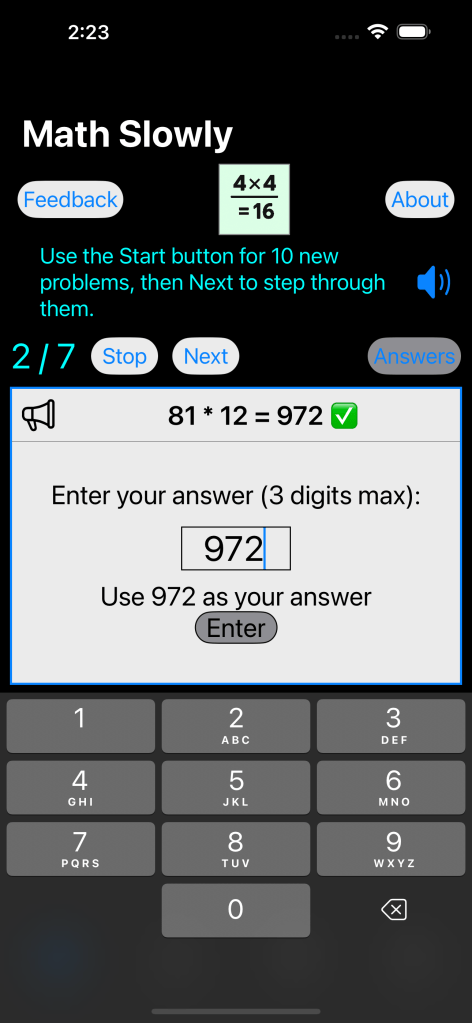
Math Slowly

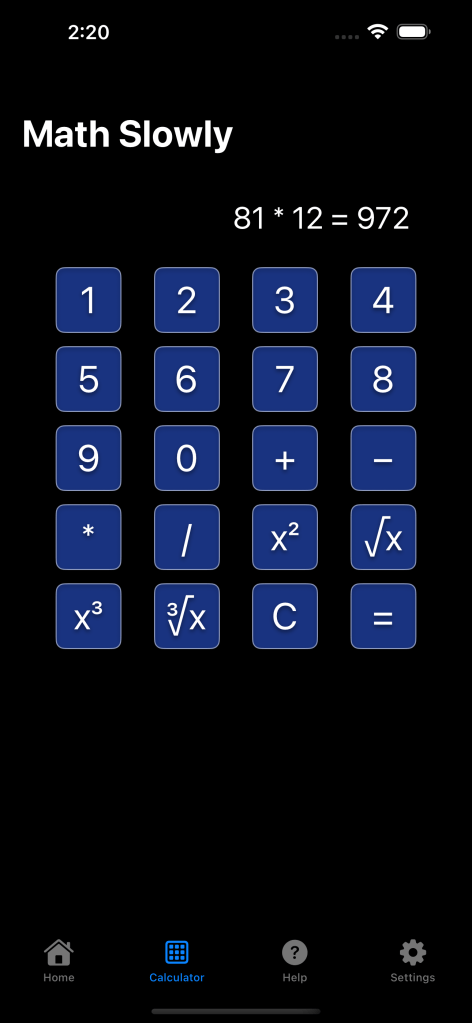
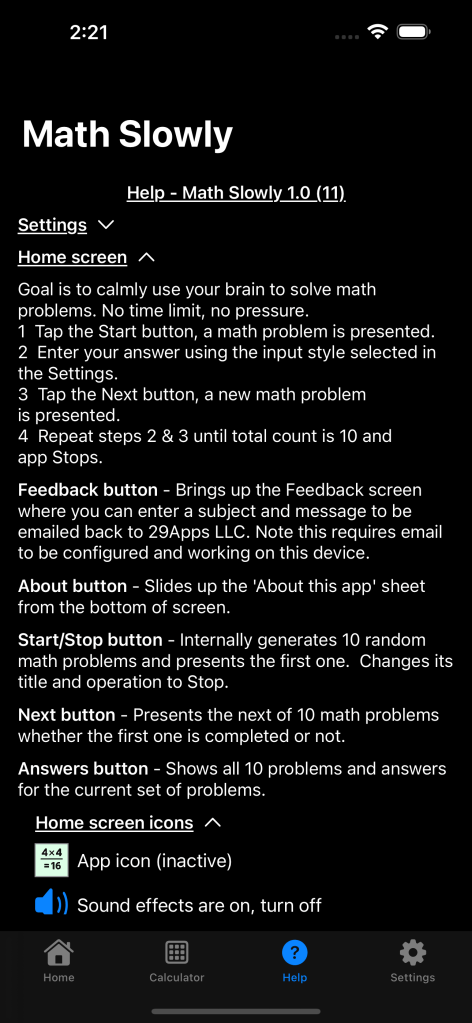
Simple math problems where you enter the correct answer for each of a set of 10 problems. No time limit, you work at your own speed. Several answer entry modes are support including typing with the keyboard, using scroll wheel style entry, and multiple choice. Try to use your brain (like it is an app), but a calculator is built-in if you get stuck or just want some help.
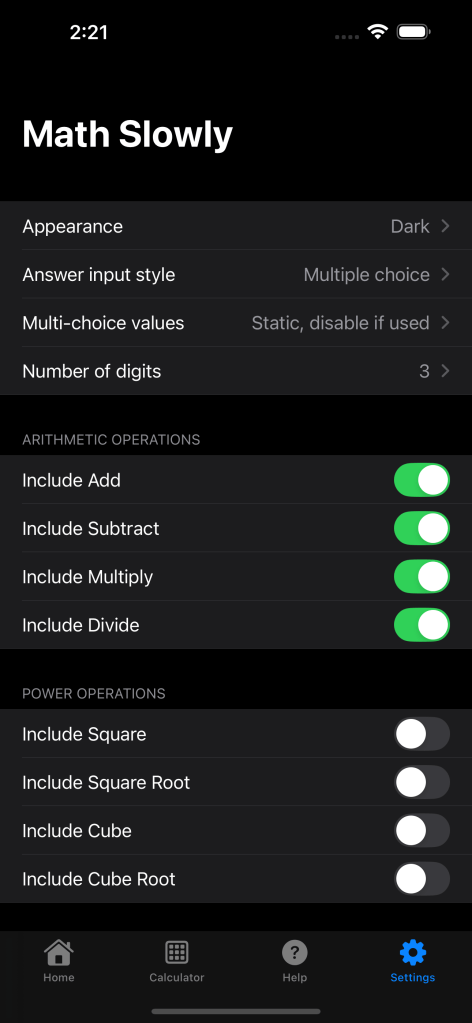
Math operations supported are add, subtract, multiply, divide, square, square root, cube, and cube root. Each math operation can be individually included or excluded in the Settings. Also in the Settings you can select whether you prefer to work with 1, 2, 3, or 4 digit math.
This is minimalist design with no ads, no bells and whistles, and no fancy graphics, just math.
Math Slowly screenshots

MiniLogic

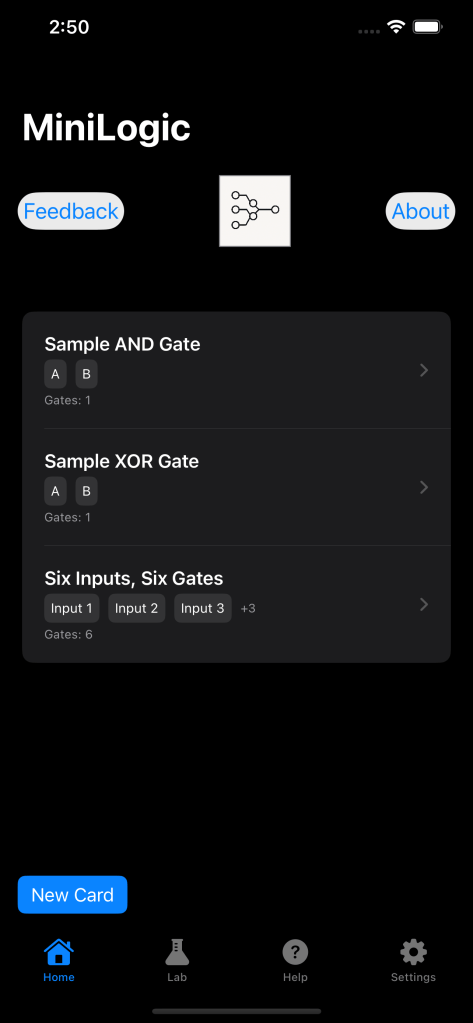
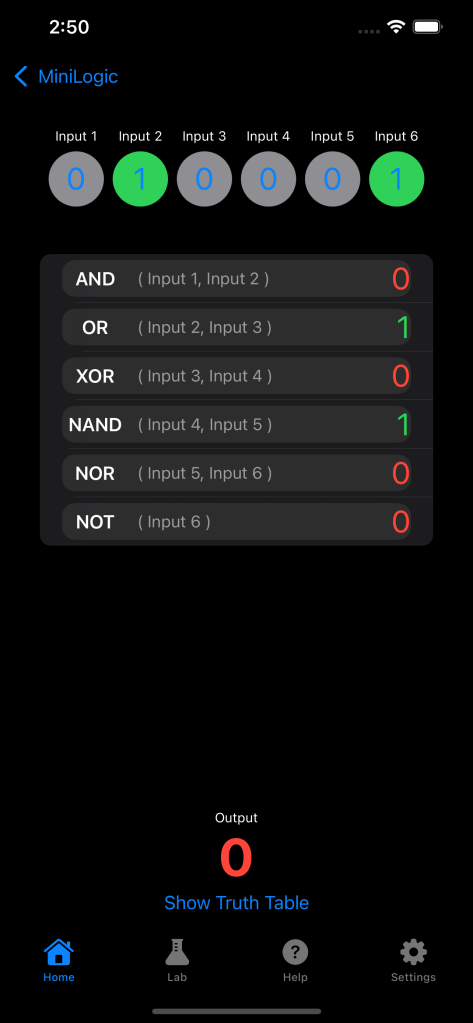
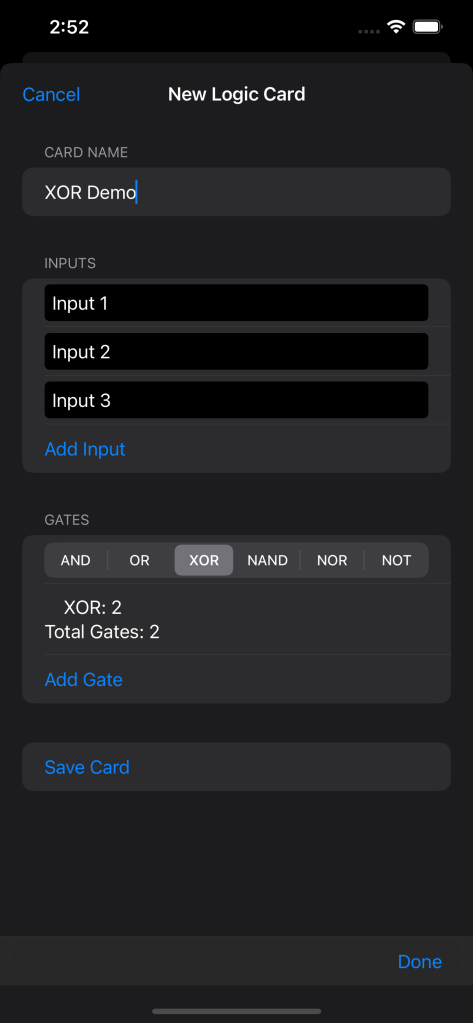
Fun with logic gates. Learn and play with the 6 basic logic gate types AND, OR, XOR, NAND, NOR, and NOT. Make a card with one or more gates, adjust their inputs, and see the resulting outputs. A simple educational experience.
This is minimalist design with no ads, no bells and whistles, and no fancy graphics, just logic.
MiniLogic screenshots



Coming soon, date TBD:
- Android app for MiniLogic.
New apps …
– Read Quickly app to flash numbers/letters/word and then you must enter it.
– Make Noise generates white noise within a user settable frequency range.
SaveSpend3 …
– Saving/spending amount variable.
– Monte Carlo random variations for rates of interest, earnings, and inflation.
– Social Security ages settable to the month.
– Ability to share results output to file or other.
Function Fitter …
– A selection of built-in functions to choose from.
– Additional fitter algorithms to choose from.
DISCLAIMER: All apps are provided “as is”, with no guarantee or warranty of any kind, expressed or implied, and is provided with the understanding that the author(s) is not herein engaged in rendering accounting, tax, or other professional service and should not be used as a substitute for said service. In no event shall the author(s) be liable for any special, incidental, indirect, or consequential damages whatsoever arising out of or in connection with your access or use or inability to access or use the app.
 29Apps LLC